SURFACE3D · Early development
Layers when you paint.
Procedural when you need it.
Paint with familiar layers. Build with connected nodes. Bring both together in one 3D texturing workflow.
Available for Windows and LinuxLayer based.
Build materials with fills, paint, masks and effects.
Procedural.
Connect textures, mesh maps and generators. Reuse the result in your layers.
Baking.
Capture surface detail from your mesh. Check normals, curvature and occlusion directly on the object.
UV editing.
Inspect your islands, make a quick transform, unwrap and pack. Keep texture placement clear before the final material pass.
Rendering.
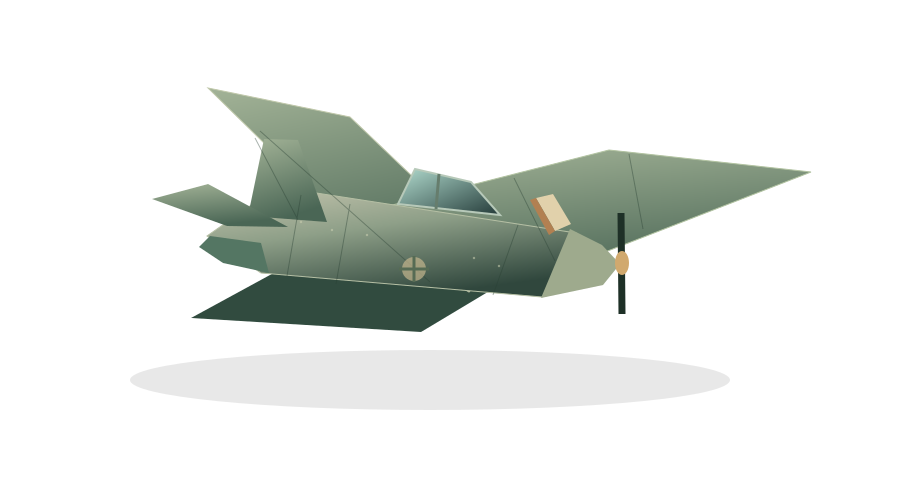
Check your materials under HDRI lighting. Export standard PBR maps for your 3D workflow.
Take your textures anywhere.
Export standard PBR texture maps for your 3D workflow. Choose the channels and output settings you need, then continue in any software that supports them.
Try Surface3D.
Download for Windows, or try the Linux beta. Join Discord for updates, feedback and bug reports.